Offline bulk converter & compressor
Convert and compress images. Nothing leaves your device.
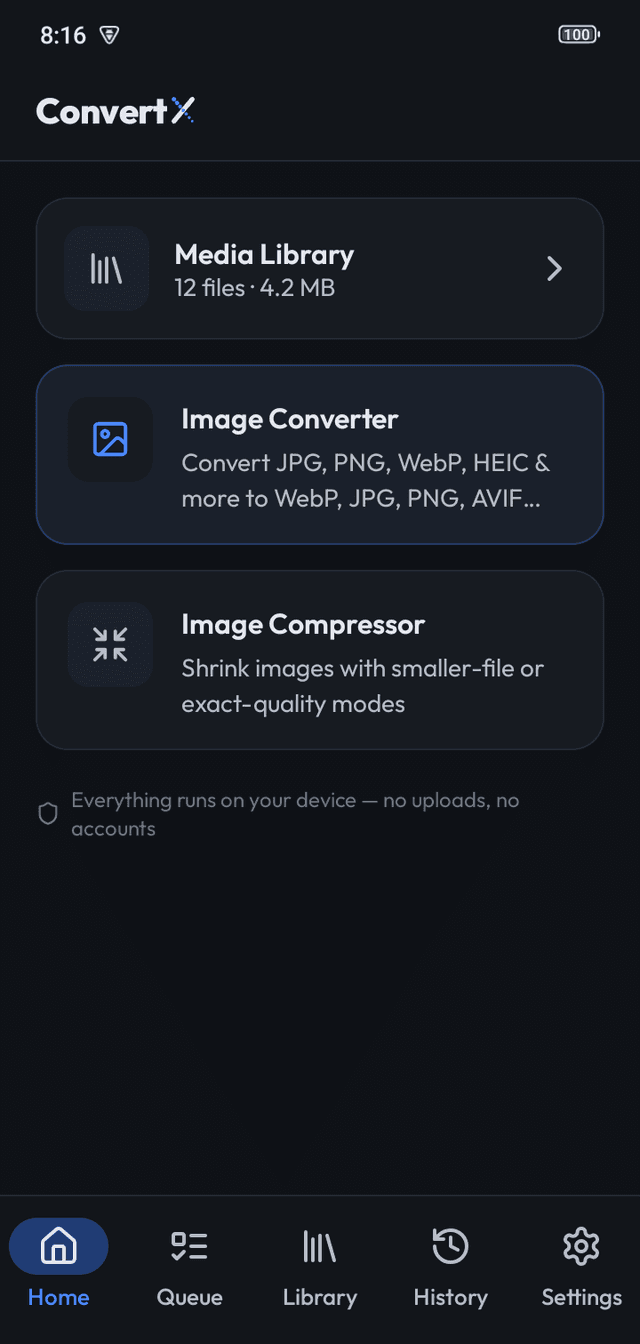
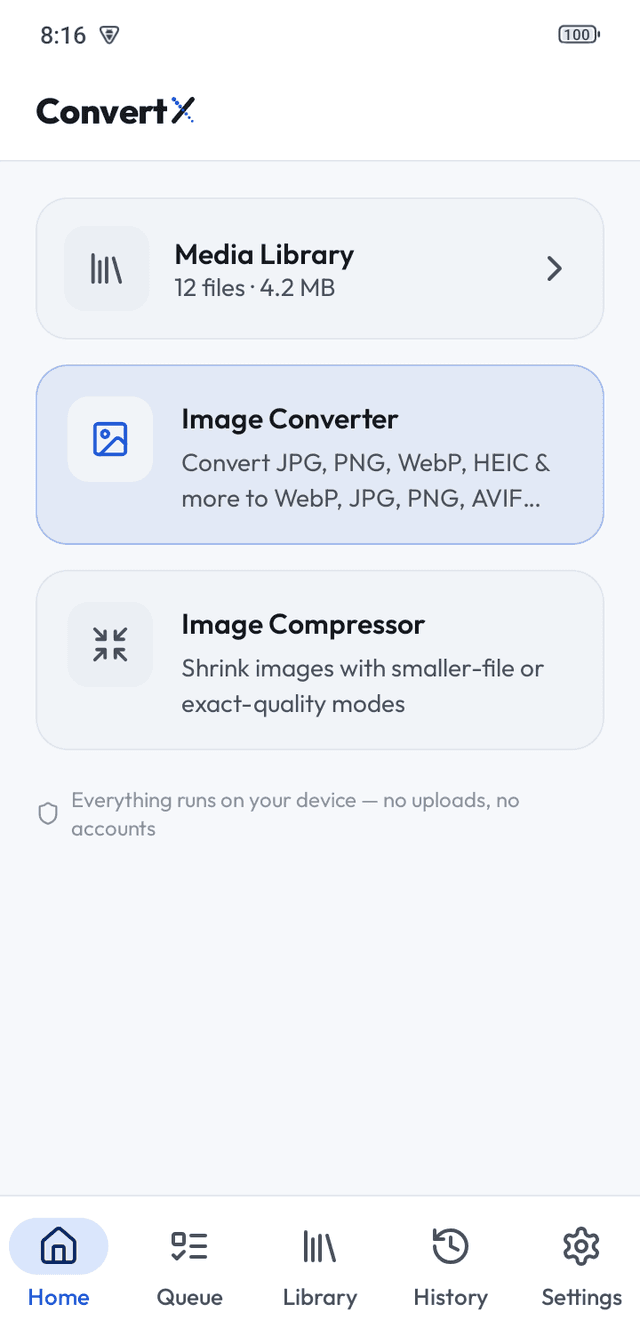
ConvertX is a native app for Android, Windows, macOS and Linux. Pick a batch of photos, pick a format, tap once. No upload, no account, no limit on how many.
- ✓ Bulk, with a queue
- ✓ Location data stripped by default
- ✓ HEIC on Android 9+
- ✓ Free, no ads, no account
Formats
Reads JPG, PNG, WebP, BMP, TIFF and GIF everywhere, plus HEIC on Android 9 or later. Writes WebP, JPG, PNG, AVIF, BMP and TIFF. AVIF is output-only.
| Format | Read | Write | Note |
|---|---|---|---|
| JPG | Yes | Yes | The universal photo format. Small, lossy, opens everywhere, no transparency. |
| PNG | Yes | Yes | Lossless with transparency. Perfect for graphics, wasteful for photos. |
| WebP | Yes | Yes | Google's web format: about a third smaller than JPG, with optional transparency and lossless mode. |
| AVIF | No | Yes | Output only: ConvertX writes AVIF but cannot open it. |
| HEIC | Yes | No | Input on Android 9 or later only (system decoder). Not on desktop. |
| BMP | Yes | Yes | Windows' raw bitmap: no compression, huge files, trivial to decode. |
| TIFF | Yes | Yes | The professional container for scans and print masters. Flexible, lossless, large. |
| GIF | Yes | No | Input only. ConvertX reads GIF (animation preserved when converting to WebP) but does not write new GIFs. |
Three tools, one queue
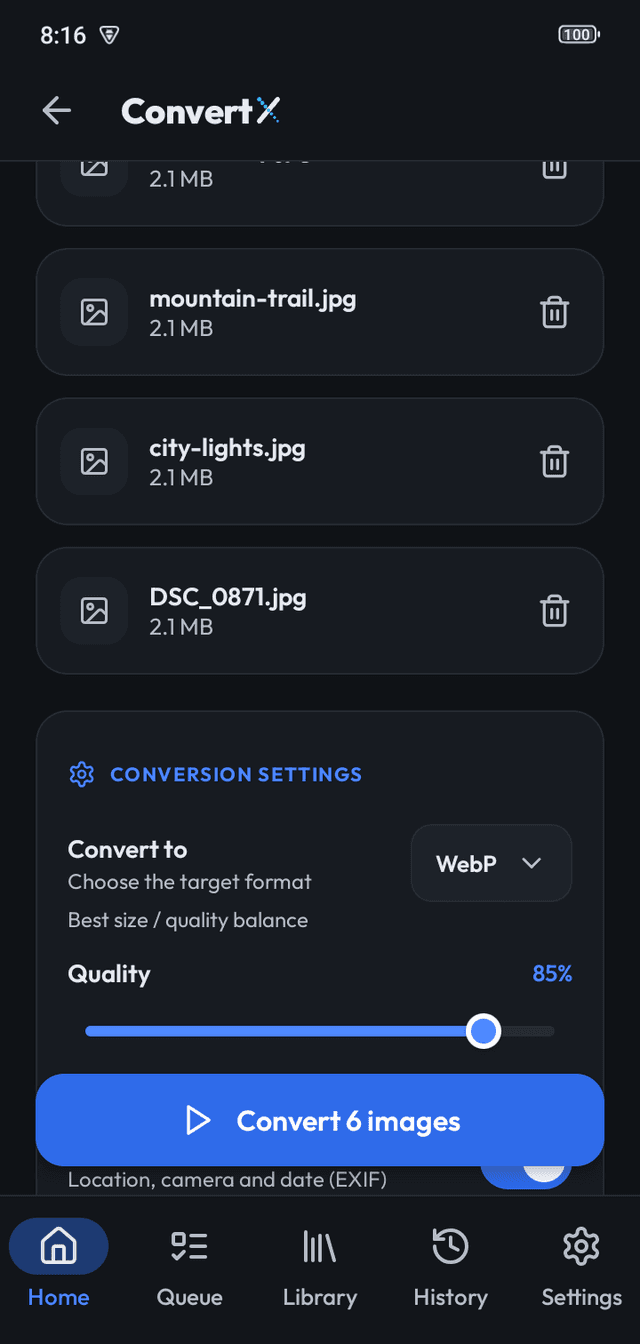
Convert
A whole folder to WebP, JPG, PNG, AVIF, BMP or TIFF in one tap. HEIC on Android 9+. Rename patterns, output folder, rotation corrected.
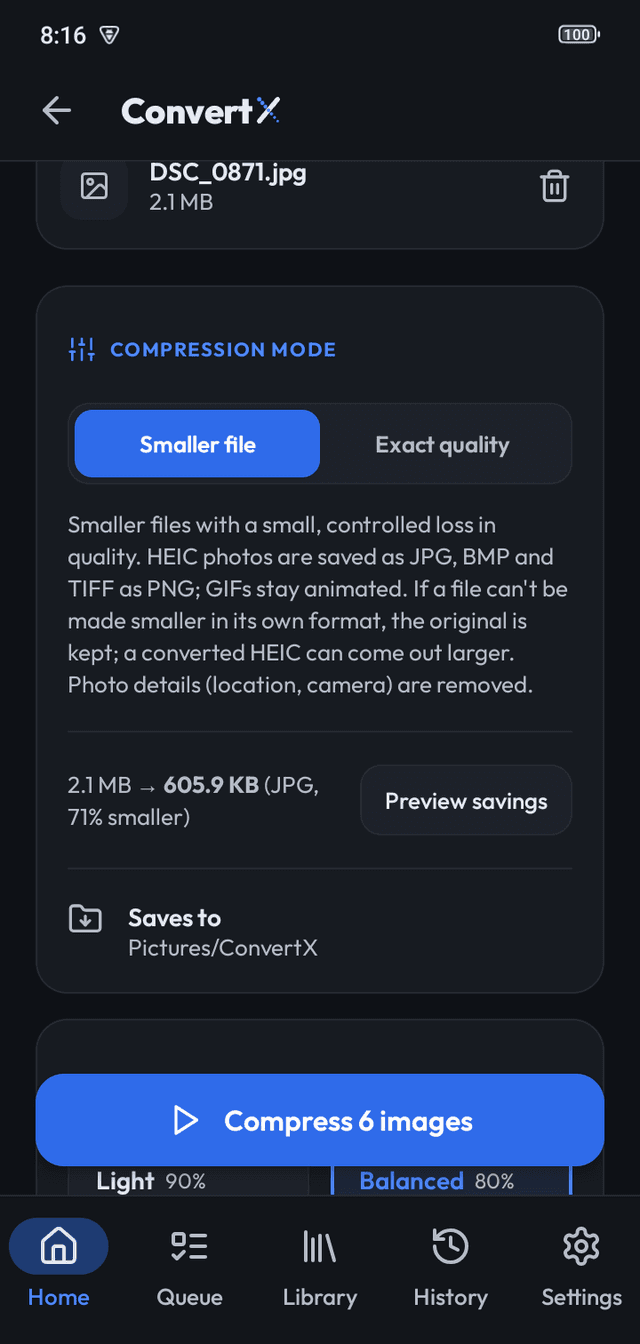
Compress
Light, Balanced, Strong or Maximum, or exact lossless. See the estimated size of one file before you run the batch. Resize by maximum width.
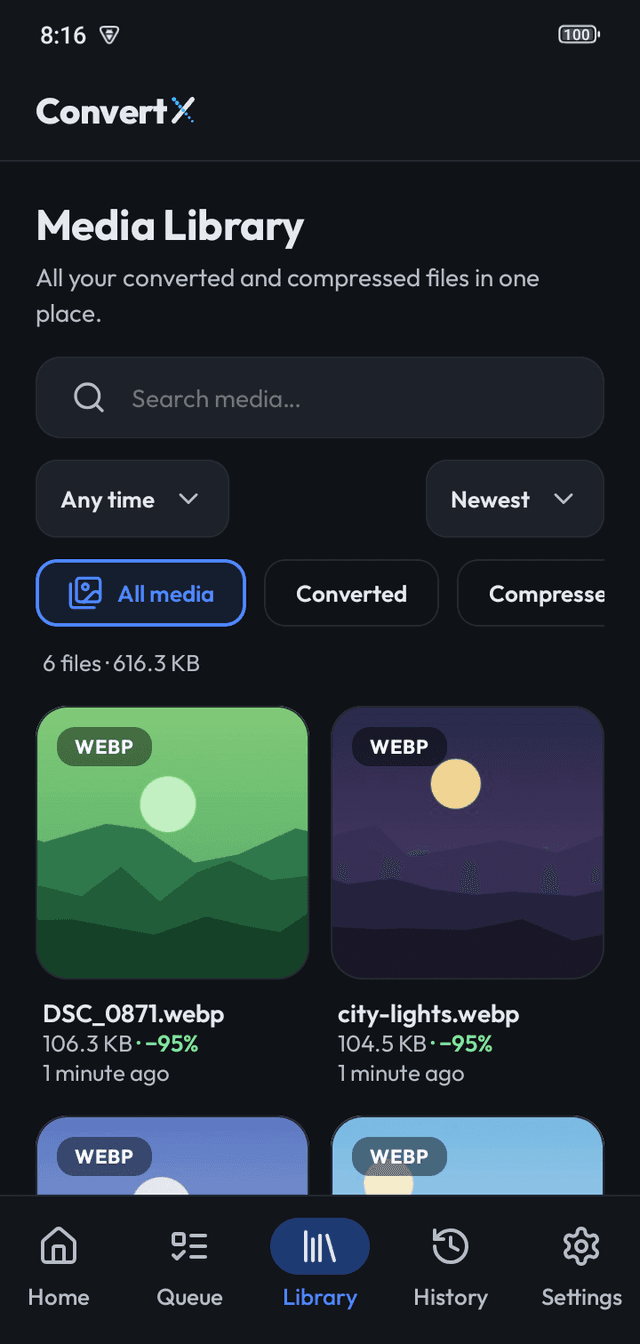
Queue & Library
Batch progress and space saved at a glance. Keeps running with the screen locked. Every result lands in a searchable Library; History records each file.
Android and desktop
- Android 7+ on Google Play. Free, no ads, and no Internet permission. HEIC needs Android 9+.
- Windows, macOS, Linux: free, no ads, no network use. Drag and drop from Explorer or Finder; Ctrl/⌘+O and Ctrl/⌘+Enter.
- Not available: iOS, browser conversion, video, PDF, SVG, RAW.
Popular conversions
- HEIC → JPGConvert HEIC to JPG on Android
- JPG → WebPBulk convert JPG to WebP
- PNG → WebPBulk convert PNG to WebP
- WebP → JPGConvert WebP to JPG offline, in bulk
- JPG → AVIFConvert JPG to AVIF offline, in bulk
- TIFF → JPGBulk convert TIFF to JPG
- PNG → JPGConvert PNG to JPG offline, in bulk
- GIF → WebPConvert GIF to animated WebP
Frequently asked questions
Is ConvertX really offline?
Yes. Every conversion and compression runs on your device; no file is ever uploaded and there is no account. The Android app has no ads, no analytics and no Internet permission at all. Desktop builds use no network either.
Is it free?
Yes. ConvertX is free with no ads, no account and no limits on how many images you convert.
Which formats can it read?
JPG/JPEG, PNG, WebP, BMP, TIFF and GIF on every platform, plus HEIC/HEIF on Android 9 or later via the system decoder.
Which formats can it write?
WebP, JPG, PNG, AVIF, BMP and TIFF. AVIF is output-only: ConvertX cannot open AVIF files.
Does it convert video, PDF or SVG?
No. ConvertX is an image converter and compressor only. There is no video, audio, PDF, SVG, RAW, PSD or ICO support.
Is there an iPhone version?
No. ConvertX is available for Android and for Windows, macOS and Linux.
What happens to my photos' location data?
It is removed by default, along with camera details. A "Keep photo details" toggle copies them into JPG, PNG and WebP output if you want them.