Processing
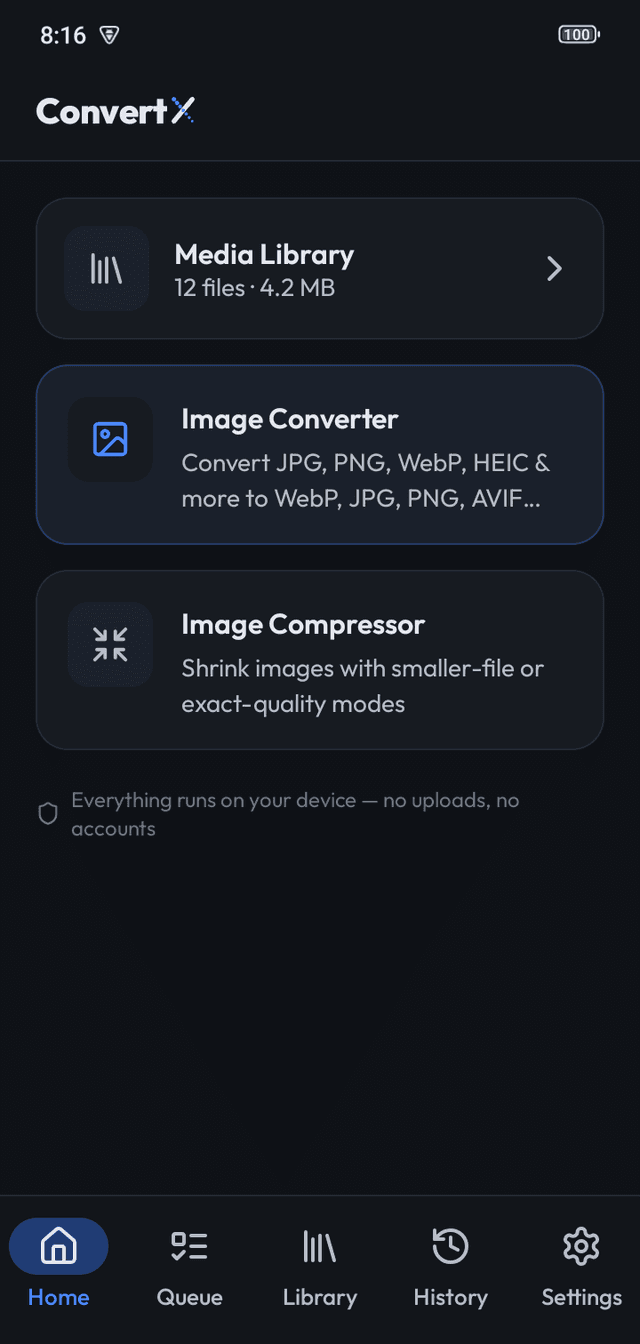
Every decode, convert, compress and resize runs inside the app on your phone or computer. There is no server, no account, no sign-in and no cloud storage. Switch the device to airplane mode and every feature still works.
Metadata
By default, location and camera details are removed from every output while rotation is corrected. "Keep photo details" copies EXIF into JPG, PNG and WebP results when you want it.
No ads, no analytics, no network on Android
The Android app shows no ads and contains no analytics or tracking SDK. It doesn't even request the Internet permission, so Android itself prevents it from sending anything anywhere.
Desktop
The Windows, macOS and Linux builds have no ads and make no network requests.
Frequently asked questions
Is the "offline" claim really true?
Yes. The Android app has no Internet permission, so it cannot use the network at all. You can check this in the app's permission list in Android Settings.
Does ConvertX need any permission besides storage access?
It uses the system file picker, so it needs no broad storage permission. On Android 13+ it asks for notification permission to show batch progress.
Does the app show ads?
No. ConvertX has no ads on any platform.
More features
- Image ConverterConvert many images at once to WebP, JPG, PNG, AVIF, BMP or TIFF on your device. HEIC on A…
- Image CompressorCompress photos on your device with Light, Balanced, Strong and Maximum presets or lossles…
- Batch queueThe ConvertX queue converts hundreds of images in order, keeps going with the screen locke…